EB
Eleftheria Batsou
@BatsouElef
This honestly looks really good. Thanks for creating it, Vladimir.
Apr 27, 2026
From X
Plan less. Ship more.
Ship landing page
Write changelog
Design empty state
Fix focus timer
A morning briefing that opens the day for you, streaks that survive cleanup, one-key capture that never breaks your flow, and checklists inside every task.
Today · Morning briefing
Once a day, Flux sweeps every project and hands you the plan — the single most urgent task up top, everything overdue and due today beneath it, and yesterday's wins for momentum.
Start here
Pick up “Post the test link” first
3 shipped yesterday
Streaks & momentum
Pride, not guilt — an empty today never breaks it.
Quick capture
Press C anywhere — even mid-focus. Enter sends it to your Inbox and you're back before the thought derails you.
Subtasks
Checklists inside every task, a progress bar on every card — and a little celebration when the last step closes.
Launch v2.1
0/3See what matters first. A clean dashboard that keeps projects and priorities easy to understand.
Focus Mode helps you stay locked in on what matters now. Hit F — your To do and Done columns blur out. Only In progress stays sharp. A session timer starts. You ship.
One column. Zero bystanders.
To do and Done are dimmed and frozen. Only the work that's actually moving stays clickable.
Live session timer.
Counts up while you work. No countdown pressure, no ticking dread — just proof you showed up.
One key out.
Press ESC or F to come back. No menus, no ceremony.
Let’s keep moving.
13:43:36
00:05:20
DNA bbq
Add a description...
VERSION 2 — Supabase
Good morning,
What are we shipping today?
VolleyTracker app
VolleyTracker app for coaches
Make a redirection link
Send again email
VERSION 2 — Supabase
Focus session
00:05:20
Pick a rhythm — 25/5, 50/10, 90/20, or roll your own — and Flux runs the clock. Focus, break, focus, break. No tabs to open, no timers to babysit.
Three presets, one shortcut.
25/5, 50/10, 90/20. Or Custom if your day doesn't fit a preset.
Auto-cycles into breaks.
Focus ends, the break starts, the next block fires. You don't touch a thing.
Quiet by default.
Sound and Do-not-disturb are off until you want them. No surprise dings.
Focus
PressPto open Pomodoro
Manage client work, tasks, and priorities in one clean workflow.
Acme Co
Brand site
Helio Studio
Logo refresh
Northwind
Landing pg
Real reactions from real users — pulled straight from their posts.
Swipe
Flux counts anonymous sessions and how many tasks and projects get created — so we know if the app is actually helping people focus.
What we track
What we never see
Your anonymous ID lives in your browser only. Clear your browser data anytime to reset it.
No accounts. No sign-ins. Still just focus.
Privacy first
Designed from the ground up.
Minimal data
Only what helps us improve.
Anonymous
No accounts. No personal data.
Built for focus
Less noise. More of what matters.
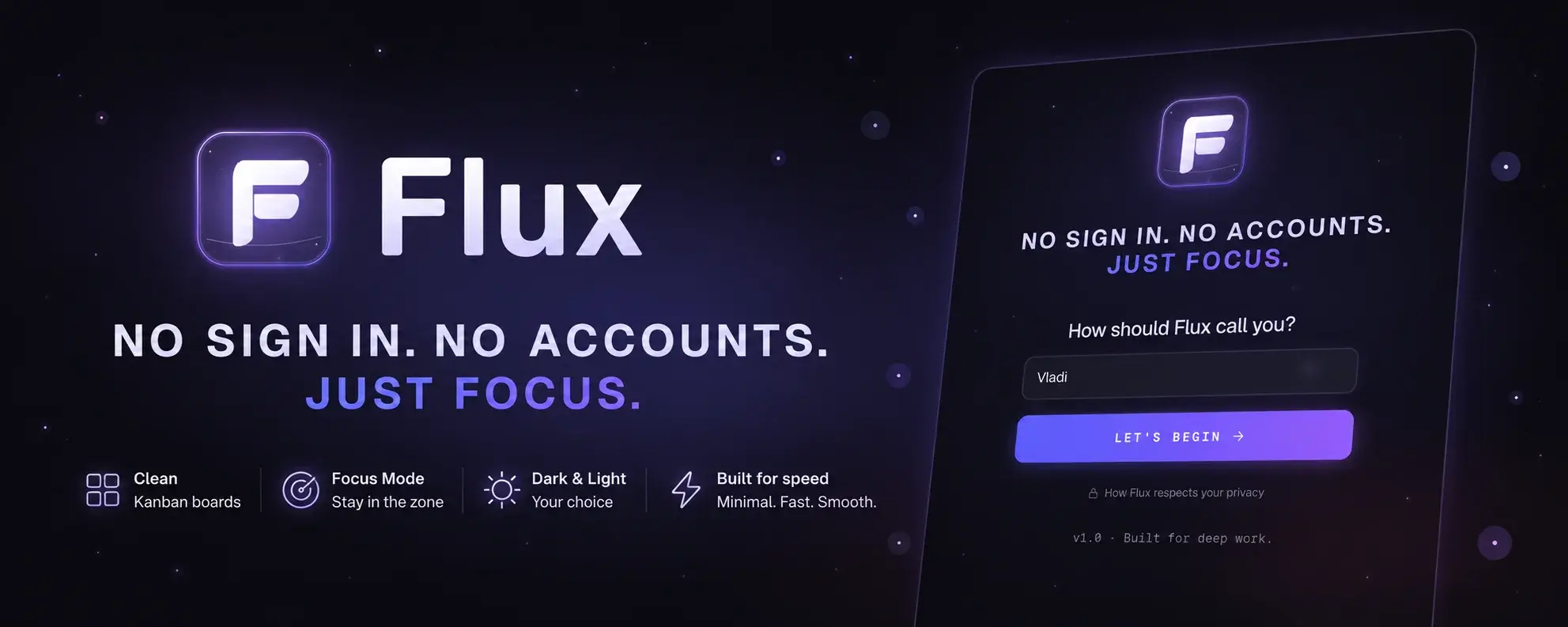
Flux is free. It opens in your browser. It’s waiting.
No email required · No credit card · Not even a sign-up form